
Stop Guessing: The Ultimate User Experience Guide to Better Personas
Sep 30, 2026
Whether building a first website, starting in design, or simply curious about how technology works, this user experience guide breaks down what the UX design process means, why it matters, and why every great product starts with the user.
What Is User Experience (UX) Design?
User experience refers to a user's interaction with a product, interface, or service. User experience design is the broader discipline that shapes the customer journey. This typically includes digital assets like websites, landing pages, software, or apps.
At its core, it includes accessibility, design, hierarchy, function, and a product's emotional impact. It draws upon key ux principles and user interface design.
Good UX aims to meet the needs of users by making products easy to navigate while ensuring they remain efficient and responsive. UI design, a subcategory of UX, accomplishes this by turning interactive products into a visually engaging experience.
The Goal for UX Designers
UX professionals pinpoint friction and pain points that may hinder a user's experience. As trends and people change, products and services must be continuously revised. This helps brands respond to user needs to improve satisfaction over time.
Through consistent design and transparency, user confidence is strengthened into long-lasting loyalty and engagement.
What Is 'Good' Accessibility?
Top-quality accessibility relies upon instructions being straightforward. It uses language that is simple and familiar for a wide range of users and encompasses various demographics. It accounts for varied ages, lifestyles, cultures, and beliefs. This means avoiding language that is offensive, biased, incomplete (in the case of misinformation), or complex.
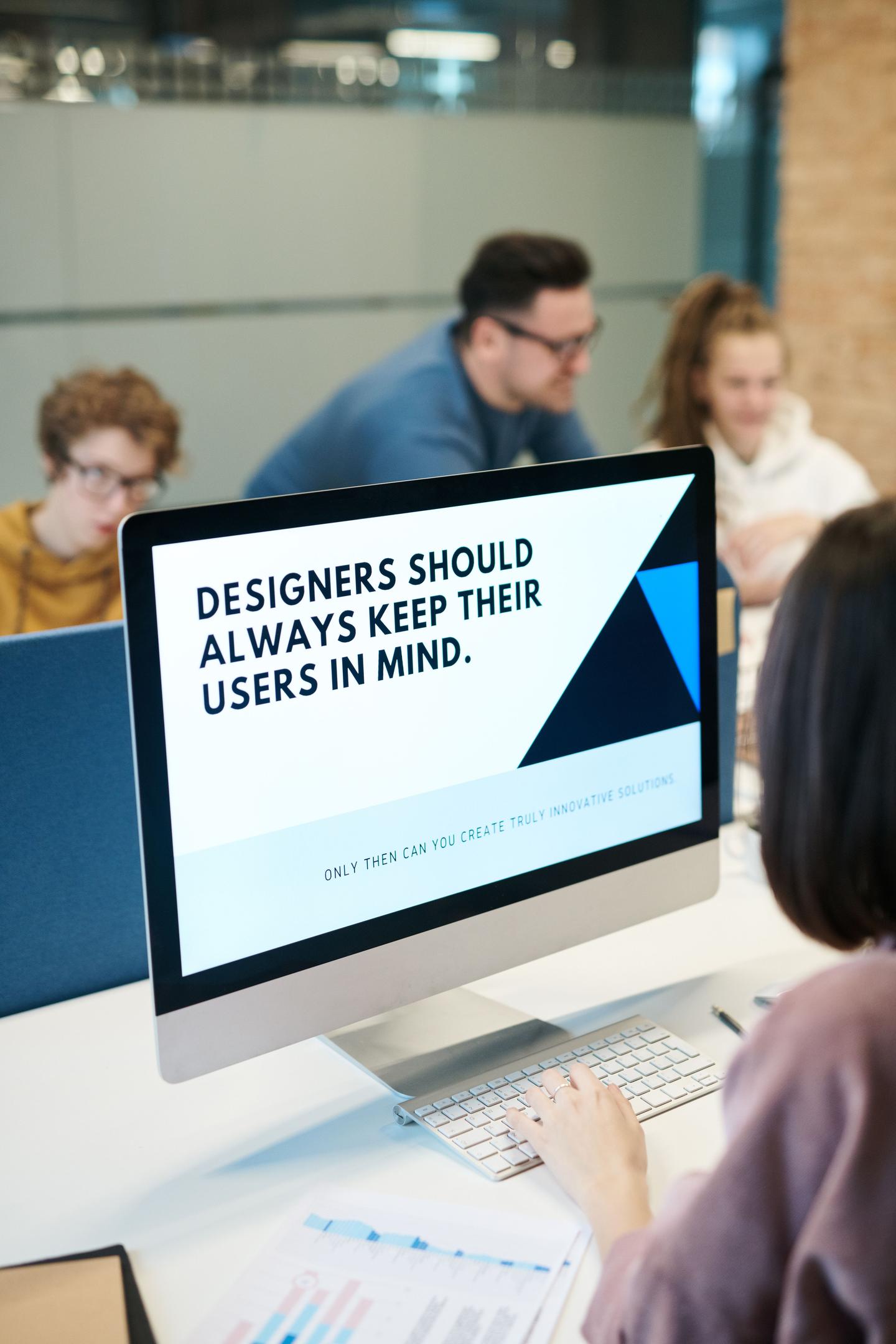
Ways to be more accessible as a product include considering low visibility, hearing difficulty, mobility issues, and more. This means making sure the text and background stand out clearly from each other. Accessible design also supports assistive technologies and is important for e-commerce sites. Some ways designers can do this are by adding descriptions to images and putting captions on videos.
It is equally important to stay away from words that leave people out. An example of exclusive language is a fire evacuation sign that says 'run to the nearest exit,' which excludes anyone who uses a wheelchair.
Branding, Color Theory, + Visual Impact
To properly conduct user research for a business, UX designers must develop a user experience guide. They must regularly test colors, fonts, themes, and layouts to find out what works best for usability and accessibility. They also need a solid grasp of color theory, information architecture, and prototyping tools.
Marketing teams can use SEO platforms and analytics tools to understand user behavior. Useful options include Google Analytics 4, Google Search Console, Semrush, and SurferAI.
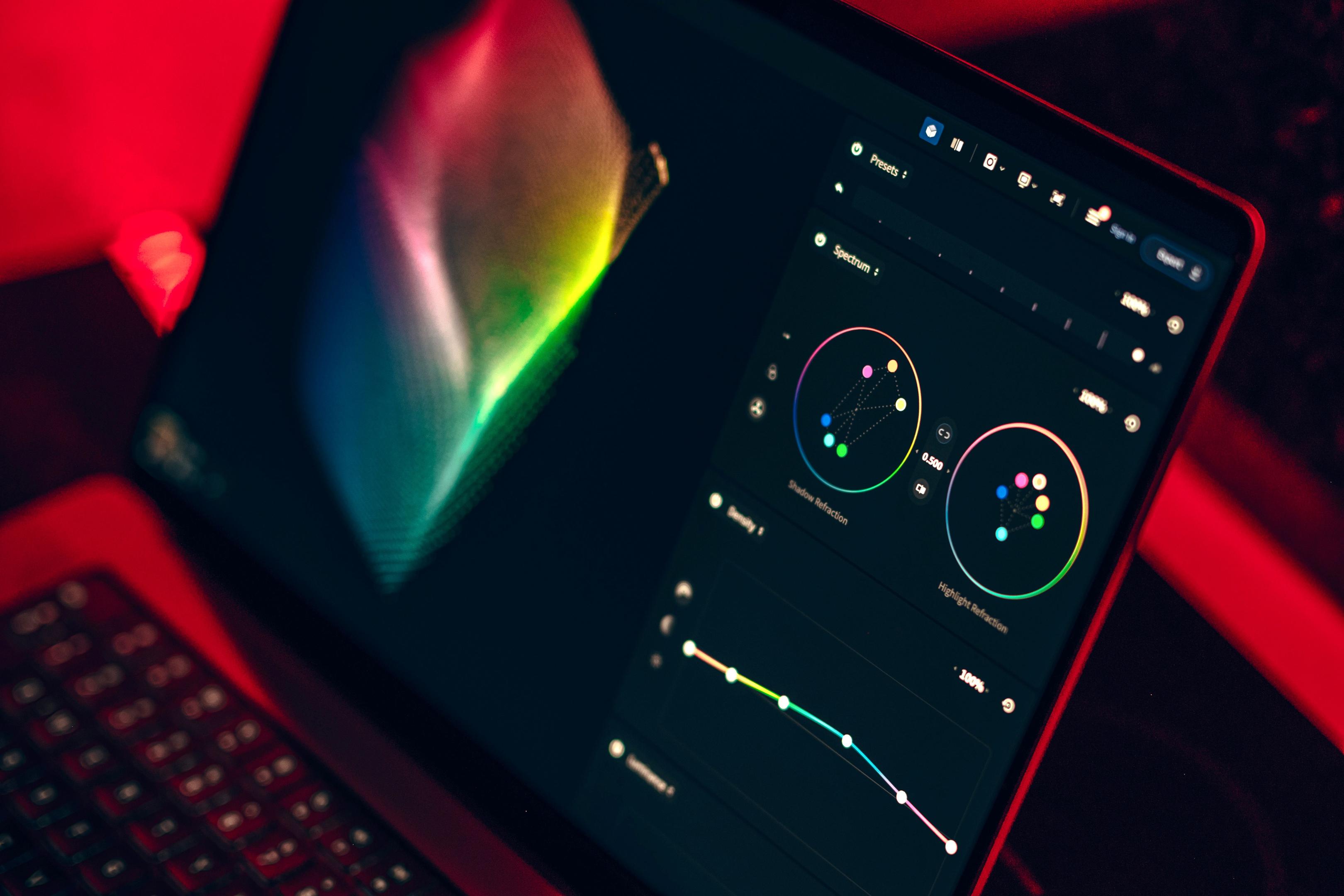
They also conduct A/B testing, in which two to three variations of a layout are tested to see which performs best. For example, trying different colors can evoke different feelings. Red can trigger excitement, urgency, or increased appetite. Blue can build trust or create calmness. Green can represent health, the environment, or growth.
Layout decisions go beyond color choices. Designers manage white space and optimize layouts for mobile and computer screens. They also style buttons and drop-down menus to create visual flow.
A strong visual hierarchy uses size, contrast, and spacing to guide users toward important actions or information. Consistent design patterns do this even more effectively by making navigation feel intuitive. Having familiar interaction patterns creates a shared visual language across products, much like how Google Docs fits into Google Workspace.
Similarly, the syntax, or the arrangement of words, can also be changed and have a higher click-through or open rate. Platforms like Optimizely and VWO make it easy to test and track performance.

Conducting User Experience Guide Research
To design a product that fits a user-centered approach, brands need clear business goals by tracking their sales leads. Once these metrics are set, brands can use user research to guide the product's development. The ux process then turns these pain points into actionable design. This process occurs in four stages.
-
Stage 1: Conduct field studies, competitive analysis, stakeholder interviews, and user interviews.
-
Stage 2: Have prospective users organize and group topics into categories, using information architecture. Ask retention questions and give them a goal to find by navigating the product.
-
Stage 3: Implement A/B testing to determine which designs yield the highest retention rates, while conducting usability tests and gathering user feedback.
-
Stage 4: Run customer surveys and analyze customer data from tools like Google Analytics. Create Urchin Tracking Module (UTM) codes to pinpoint specific traffic sources. This will help identify whether traffic came from a newsletter, blog, or website.
Understanding Heatmaps
A heatmap allows designers to visualize where customers look on a digital product. Areas where more time is spent will appear as a light or warm green, while areas with less time spent will be more neutral or dark in color. On pages with a search bar, heatmaps can also show whether search behavior matches expectations.
This eliminates the need for designers to spend as much time staring at a screen full of raw numbers. Instead, they can get relatively the same information from a single glance.
Wireframes + UX Prototypes
A wireframe or paper prototype allows designers to visualize content before building it digitally. Wireframes use simple shapes like boxes or ovals to map out information. They are cost-effective, simple to create, and help establish how users move from page to page. This type of interaction design enables users to test flows before development.
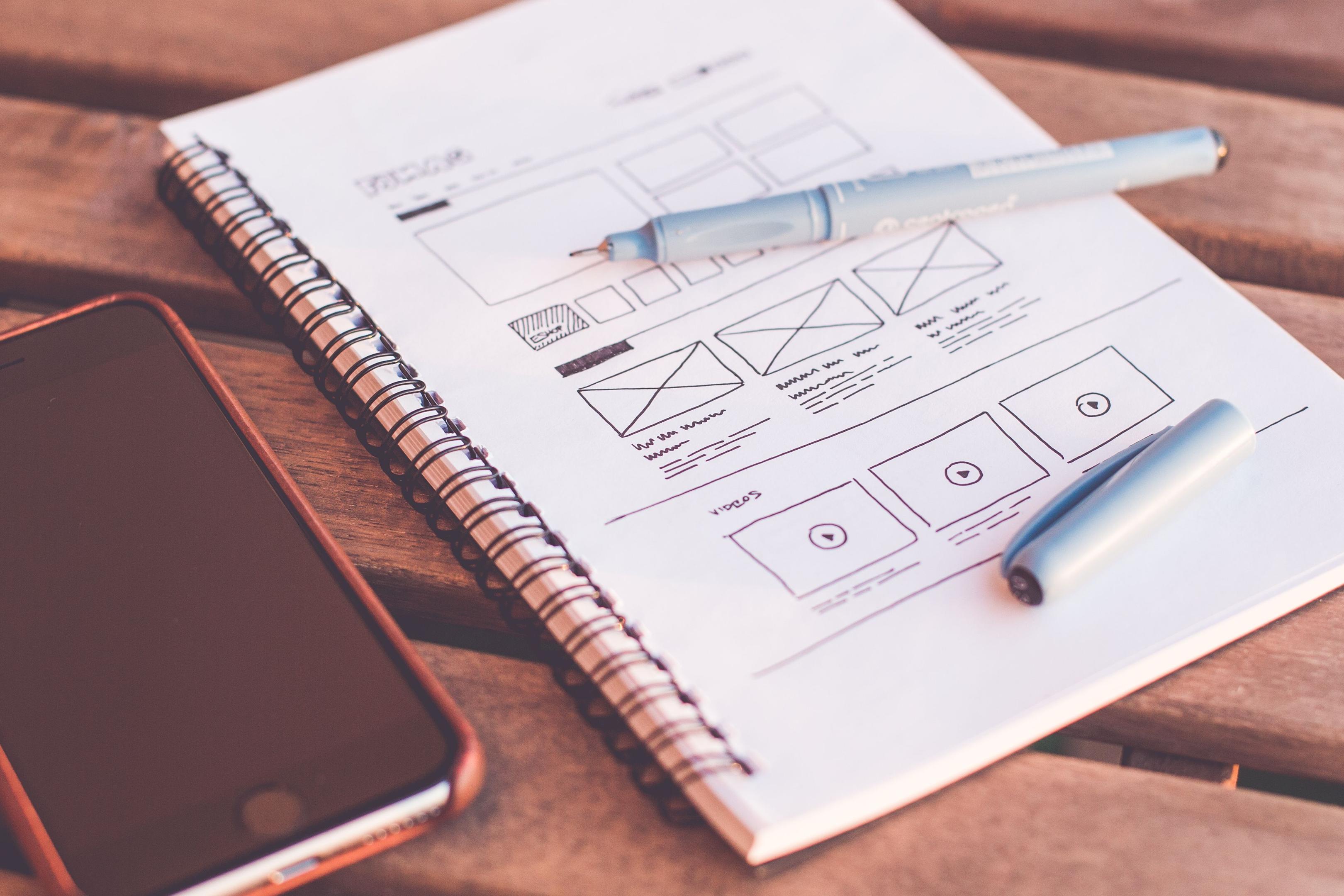
Some modern prototyping tools are Figma, Balsamiq, InVision, UXPin, and Adobe Photoshop. When designing, professionals often limit choices to three fonts, colors, and font sizes.
Another rule they follow is called the "three-click rule." It means users should be able to find what they need in three clicks or less so they do not get frustrated. To keep things easy, websites should only ask for information they need, use progress bars for checkouts, and let forms fill themselves out automatically.
Layouts should also follow responsive design through a mobile-first approach, which starts with smaller screens and then scales across devices as part of a broader product development process.
Utilizing early usability testing with prototypes reduces development costs significantly and helps the development team catch issues sooner.
Screening Participants
The best way to gather research on anything is to go directly to the source. But to find the best prospective strangers, it's vital they are screened first. Otherwise, designers might collect data from the wrong audience and build a product nobody asked for.
The Interview
Participants should remain unaware of what it is they are contributing. As a best practice, always compensate participants for their time, especially strangers. Typically, designers have a budget allocated for this. During screening, interviewers make sure participants have a real need for the product or a genuine interest in it.
For example, consider a wedding website. An interviewer might first ask if the participant has gotten married within the past couple of years. If not, then a new participant is needed. A follow-up question could then verify their location to see if they were married within a certain city or state served by the platform.

It's important to avoid making assumptions during this stage. Otherwise, teams might build the wrong customer personas.
Concluding Takeaways
Great digital design is all about putting real people first. Instead of relying on guesswork or ineffective personas, successful campaigns and products start with a strong user experience (UX) guide. Building a user-friendly product comes down to a few key steps:
-
Focus on Accessibility: Make sure designs are easy for everyone to read, use, and navigate, regardless of background or ability.
-
Testing with Purpose: Use smart layouts, consistent fonts, color theory, and wireframes to keep websites simple and fast.
-
Rely on Real Research: Use data tools, heatmaps, A/B testing, and carefully screened user interviews to understand what the audience actually needs.
Ready to build a better digital experience? Practice getting started by auditing your current website's accessibility and building your first user research survey.
🪽 Written by Ana Parnian
join 45k marketing girlies
Private Marketing Girly LinkedIn Group
A private community where young women in marketing network, collaborate, and support each other.